

Table of Contents
A lot of families in Lahore run more than one place. There is the house, and there is the shop in the market, the clinic, the workshop or the small office upstairs. Each needs drinking water, each has its own delivery day, and each has its own bill that somebody has to keep track of. You can run all of them from one Aabdar account. This post explains how locations work, what each place keeps separate, and how to see what is owed for one place or for everything together.
One account, several places
Your account is you: your name, your phone number and your customer number. A location is one place that we deliver to under that account. The first is your Main location, and its address is the main address on your account. Any other place, such as "Shop" or "Office", is added as its own location with its own name and its own address.
Every plan and every order on your account belongs to one of those locations. That is the whole idea: the bottles for the shop are booked, delivered and billed as the shop's, and the bottles for home as home's, even though one person pays for both.
What each location has of its own
- Its own address, so the rider goes to the right door.
- Its own plans and orders. Home might be on a weekly plan while the shop takes bottles as it needs them.
- Its own deliveries, listed against that location rather than mixed in with the others.
- Its own statement, showing only that place's plans and orders, what each was billed, what has been paid and what is still due.
Because each part of Lahore has its own delivery days, your home and your shop may not be served on the same day of the week. Our delivery area page shows the days for each area we cover.
Adding a location
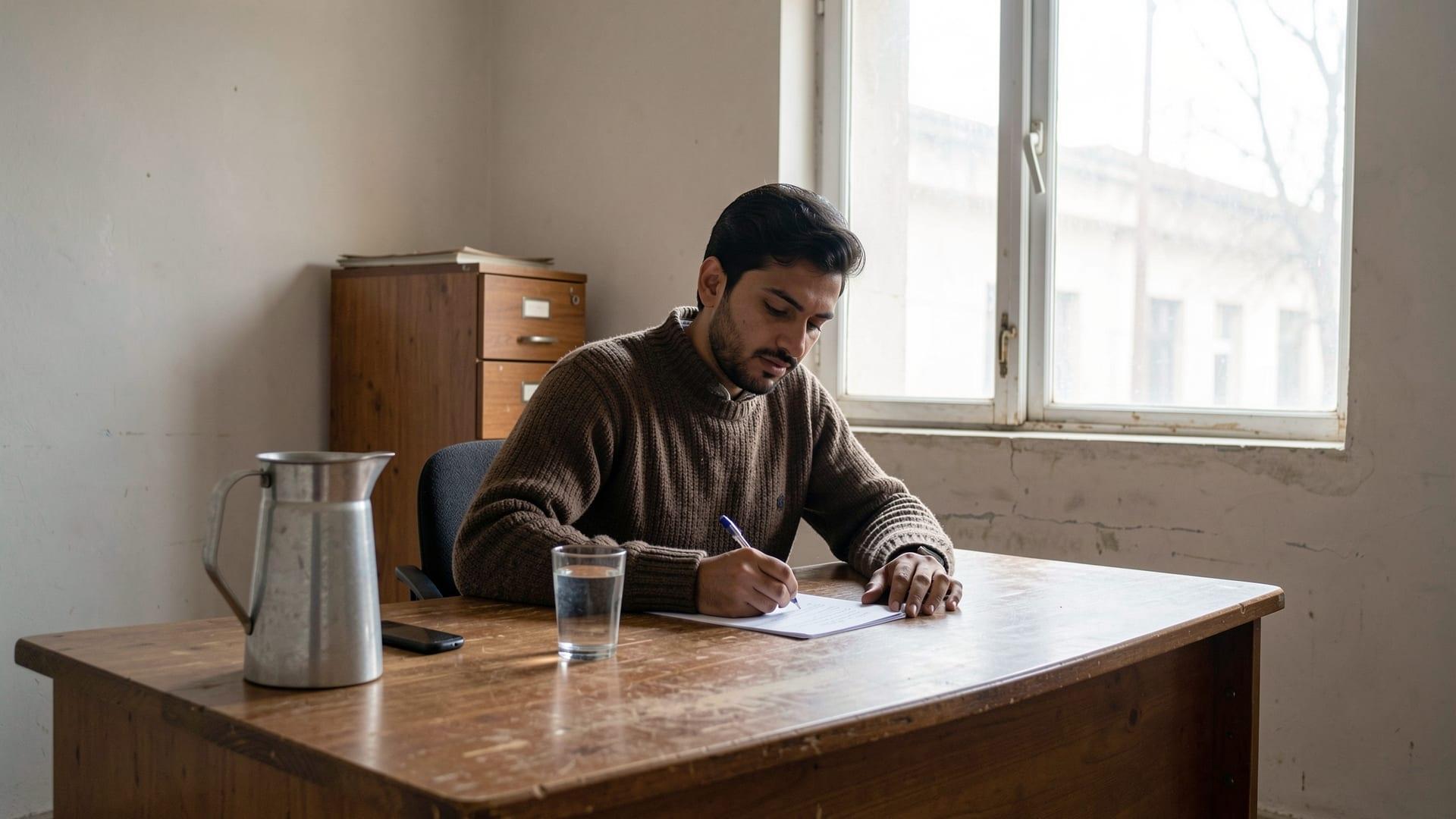
Locations are set up by our team; there is no button to add one yourself on the website. Message us on WhatsApp or through the contact page with a short name for the place, such as "Shop - Anarkali" or "Office", and its full written address. A landmark helps the rider find it the first time. Once it is added, tell us which plan or order you want there, and it will be booked against that location from then on.
If one of your places closes or you stop needing water there, tell us. If the location is removed, its past plans and orders are moved to another of your locations, usually Main, so the record of what was delivered and paid stays on your account. The removed location's own statement link stops working, and the All locations statement still covers everything.
Statements for one place, or for all of them
A statement is a single page that lists every plan and order, with Total billed, Paid and Due now at the top. It opens from a link in any browser, without an app or a login, and shows the figures as they stand at the moment you open it. Tap a plan or order on it and you see that plan's or order's invoice. You reach a statement from the View statement button on an invoice, or from the link on a payment reminder from us; if you have neither, ask us for one.
With more than one location, there is a statement for each place and an All locations statement for the whole account. At the top of any of them, the View statement menu lists All locations and each location by name with its address under it, and marks the one you are looking at. So the shop's accountant can see only the shop, while you can see everything in one place.
- A location statement is headed Location statement and shows that place's name and address.
- The All locations statement adds up every location on the account.
- If you have advance money with us, the statement shows it as Advance with Aabdar.
- A plan still awaiting approval is listed, but it is not counted in the totals until it is approved.
Invoices know which place they are for
An invoice for a plan or order at a location other than Main shows that location's name and address under Bill To, so a shop invoice reads as the shop's, not as your home's. Its View statement button opens that location's own statement. If you have several locations, the button opens the same menu, with the invoice's own location marked, so you can jump to any other place or to All locations from there.
Paying when you have more than one place
Payments are recorded against a plan or an order, and each plan or order belongs to one location. When you pay the rider or send a transfer, say which plan, order or place the money is for. If you want to settle everything at once, open the All locations statement first and pay the total it shows as Due now. Our guide to invoices and receipts explains how each payment appears.
Name each place the way you talk about it at home. "Shop" and "Ghar" are easier to check on a statement than two similar addresses.
The bottom line
You do not need a second phone number or a second account to get water to your shop or office. Ask us to add each place as a location. Each one then has its own deliveries, plans and statement, and the All locations statement shows the whole picture whenever you want it.
Frequently asked questions
- Can I get water delivered to my home and my shop on one Aabdar account?
- Yes. One account can have several locations. Each location has its own address, its own plans and orders and its own deliveries, and one person can pay for all of them.
- How do I add another location to my account?
- Message the Aabdar team with a short name for the place and its full address. Locations are added by our team; there is no option to add one yourself on the website.
- Can I see the bill for just one location?
- Yes. Each location has its own statement showing only that place's plans and orders. There is also an All locations statement for the whole account, and a View statement menu to switch between them.
- Which statement does an invoice link to?
- An invoice for a plan or order at a location other than Main links to that location's statement. An invoice for the Main location links to the statement for your whole account.
- Will my shop and my home get water on the same day?
- Not necessarily. Each part of Lahore has its own delivery days, so two places in different areas may be served on different days of the week.
Aabdar
Team
Lahore's bottled drinking water delivery service — founded 2026, PSQCA-certified, serving 5,000+ homes and offices across 12 areas of the city.
Comments & Discussion